
 Michael Hardy
 That cheap $8 adapter from the airport kiosk? It might charge your phone slowly. Or not at all. Worse, it could deliver unstable power that damages your laptop’s battery over time.
Most travelers grab the first universal plug they see. That’s mistake number one. In 2026, with USB-C Power Delivery (PD) pushing 100W+ to laptops and tablets, picking the wrong adapter means either slow charging or no charging at all.
Here’s the exact criteria for choosing wisely.
1. The Three Specs That Actually Matter (Ignore Everything Else)
Adapter boxes list dozens of specs. Only three determine if it works for you: plug type compatibility, wattage output, and whether it supports the right PD protocol.
Plug Types: A, C, G, I — Know Your Destination
You need to match the physical prongs to the country’s wall socket. A universal adapter covers Type A (US/Japan), Type C (most of Europe), Type G (UK/Hong Kong), and Type I (Australia/China/Argentina). That covers about 90% of global destinations.
The Ceptics World Travel Adapter Kit ($24.99) includes all four plug heads in a compact case. It lacks USB ports entirely, which is actually a strength — you pair it with your own charger.
Wattage: 20W vs 65W vs 100W+
Your phone needs 18-30W for fast charging. A MacBook Air needs 30-45W. A MacBook Pro 16-inch needs 96W. A Dell XPS 15 needs 130W.
If your adapter outputs only 20W total, plugging in a laptop won’t charge it at all — the laptop will drain faster than the adapter can supply. Minimum recommendation for 2026: 65W total output if you carry any laptop. 100W if you carry a larger one.
USB-C Power Delivery: Not All USB-C Is Equal
That’s the critical distinction. A cheap adapter might have a USB-C port that only outputs 5V/2A (10W) — slow charging. PD-enabled ports negotiate higher voltages: 9V, 15V, 20V. Your laptop will refuse to charge from a non-PD USB-C port.
The Anker 735 Charger (GaNPrime 65W) ($45.99) has two USB-C ports and one USB-A. Both USB-C ports support PD up to 65W. That’s enough for a MacBook Air plus an iPhone simultaneously.
2. Why GaN Chargers Are Worth the Extra Money
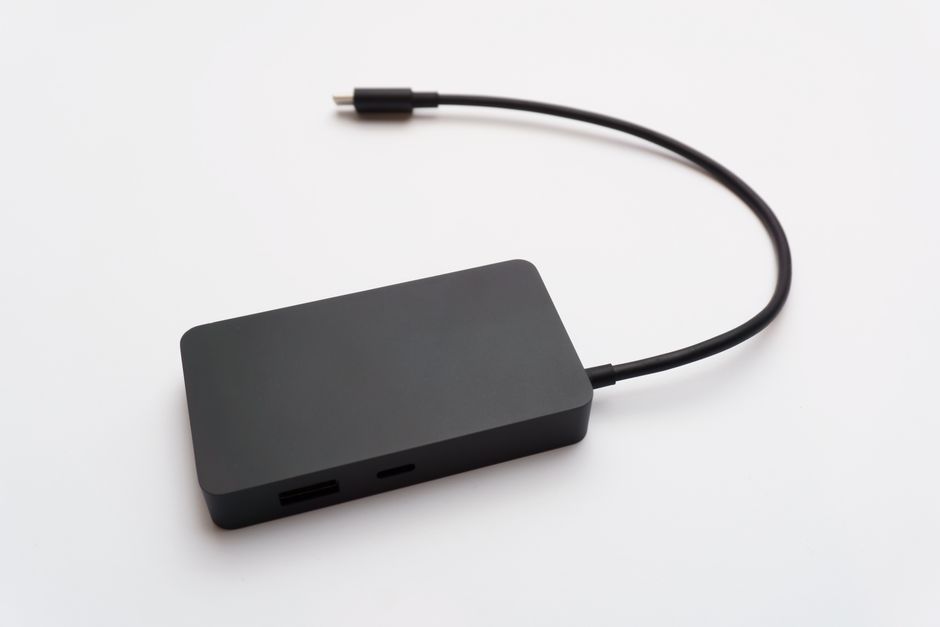
Gallium nitride (GaN) chargers run cooler and are physically smaller than traditional silicon-based chargers. A 65W GaN charger is about the size of a deck of cards. A 65W silicon charger from 2026 is twice as large.
Size matters when packing. So does heat — a cooler charger is safer inside a hotel drawer or backpack pocket.
The Anker PowerPort Atom III Slim ($29.99) is a 65W GaN charger that folds flat. It’s one of the thinnest options available. Pair it with a universal plug adapter (like the Ceptics mentioned above) and you have a complete setup.
The tradeoff: GaN costs more. A 65W silicon charger runs about $20. The GaN version is $30-50. For frequent travelers, the size and heat reduction justify the premium.
3. The Two-Device Setup That Covers Every Scenario
Forget buying one magic adapter. The best strategy is two separate items:
- Item 1: A universal plug adapter with no built-in charger. Just prongs. Example: Ceptics World Travel Adapter Kit ($24.99).
- Item 2: A multi-port GaN charger with USB-C PD. Example: Anker 735 Charger ($45.99).
Why separate? Because combo units (adapter + charger built together) are bulky, often fail in one component, and become useless if the plug breaks. Separate items let you replace one without the other.
Total cost: about $70. Total weight: under 200 grams. Charges a phone, tablet, and laptop simultaneously.
4. Common Failure Modes (What Breaks and Why)

Three things go wrong with travel adapters. Here’s how to avoid each.
Loose Fit in Wall Sockets
Universal adapters with multiple prongs sometimes fit loosely in older outlets. The weight of the charger + cable pulls the adapter out of the wall. Solution: buy adapters with a locking mechanism or a short, flexible cable between plug and charger. The Ceptics adapter has a tight friction fit that works well in most sockets.
Overheating at High Wattage
Drawing 100W through a tiny adapter generates heat. Cheap plastic cases can warp. GaN chargers run cooler, but still get warm. Never cover the adapter with clothing or a pillow while charging.
Incompatible Voltage for Hair Tools
Travel adapters change the plug shape. They do NOT convert voltage. If your hair dryer or straightener is 110V-only and you plug it into a 220V outlet (common in Europe and Asia), it will fry instantly. You need a voltage converter, not just an adapter, for high-wattage appliances.
5. Verdict: Exactly What to Buy for 2026

For 90% of travelers carrying a phone, tablet, and laptop, here’s the winning combo:
Ceptics World Travel Adapter Kit ($24.99) for plug compatibility + Anker 735 Charger GaNPrime 65W ($45.99) for power. Total: $70.95. Charges everything you own, from Tokyo to London to Buenos Aires.
If you only carry a phone and tablet (no laptop), the Anker PowerPort Atom III Slim ($29.99) at 65W is overkill but future-proof. The Anker 511 Charger (Nano 3, 30W) ($21.99) is cheaper and smaller, but won’t charge a laptop.
The single most important takeaway: buy a GaN charger with USB-C PD output above 65W, and a separate universal plug adapter — never a combined unit.